
Blog
Battery Replacement Guide For Vintage Omnitrix Toys
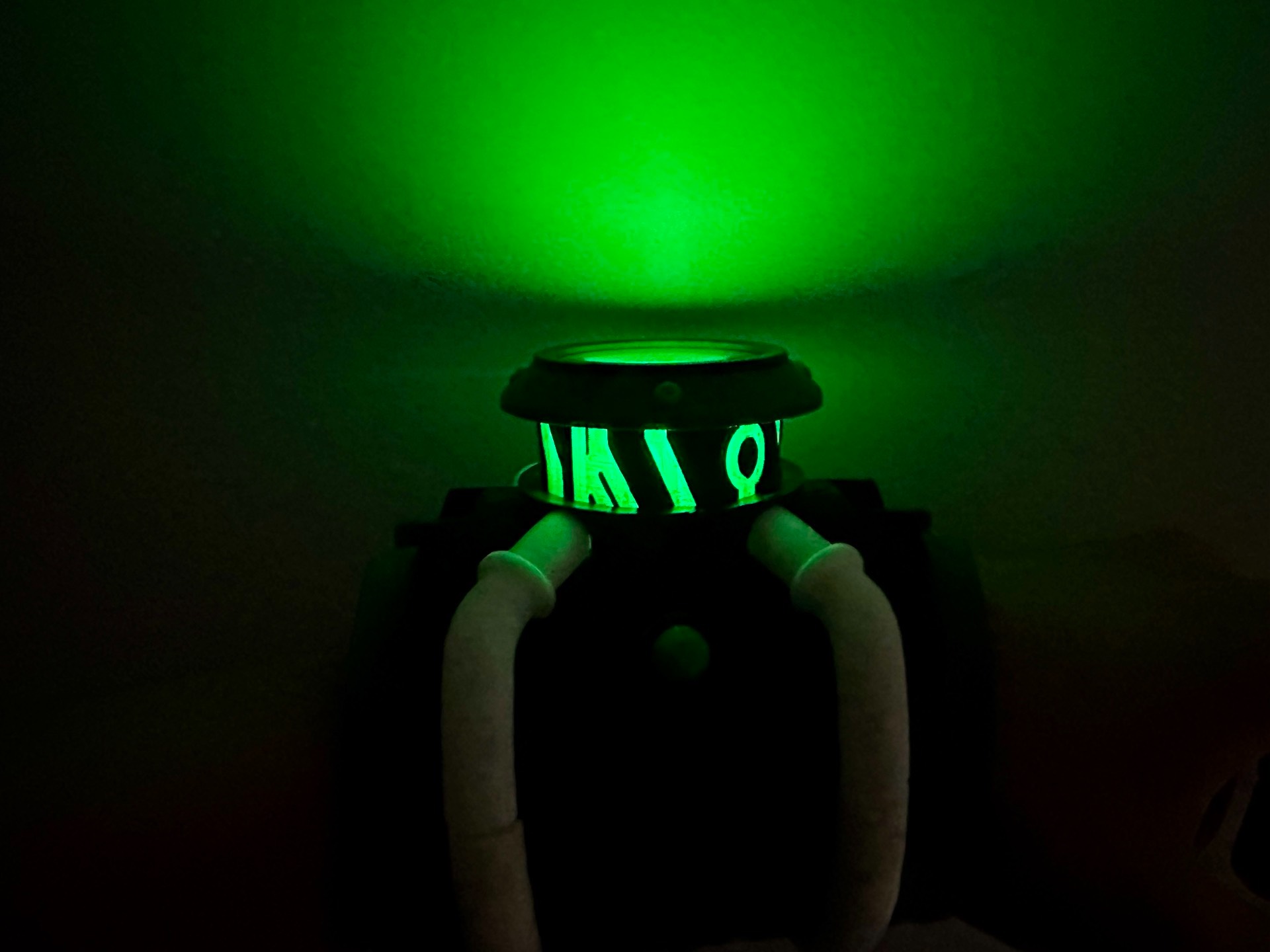
Jan
Extensive Guide to Replacing Batteries in Vintage Omnitrix Toys
Safely Accessing Battery Compartments
Opening the battery compartments of vintage Omnitrix toys can be a delicate task, especially if you want to avoid damaging screws or the toy itself. Follow these steps for a smooth process:
- Gather Your Tools: Before starting, ensure you have a small Phillips screwdriver, a flathead screwdriver, and possibly some tweezers.
- Identify the Screws: Look for any visible screws on the back or bottom of your toy. Some models may have hidden screws under stickers or labels.
- Use Proper Technique: When unscrewing,apply gentle pressure and turn counterclockwise.If screws are stuck, try using a drop of penetrating oil to loosen them.
- Pry Open Carefully: If there are no visible screws but you suspect clips holding it together, use your flathead screwdriver to batteries-types-safety-replacement/” title=”Omnitrix Watch …: Types, Safety & Replacement”>gently pry apart the seams without applying too much force.
- Keep Track of Parts: As you disassemble your toy,place all screws and small parts in a container so they don’t get lost during reassembly.
Essential Coin Cell Battery Types for Popular Models
When it comes time to replace batteries in your vintage Omnitrix toys, knowing which coin cell batteries are compatible is crucial:
- CR2032 Batteries: Commonly used in many models due to their long shelf life and reliability.
- LR44 Batteries: Ofen found in older versions; these provide good power but may need replacement more frequently.
- CR2016 Batteries: Used by specific models that require thinner batteries; check compatibility before purchasing.
Make sure to verify which type is needed by consulting any available manuals or online resources dedicated to vintage toys.
Troubleshooting Sound Issues While Lights Function
If you’ve replaced the batteries but notice that while lights illuminate correctly, sounds do not play as was to be expected—here’s how you can troubleshoot:
- Check Connections: Ensure that all internal connections are secure after replacing the battery; loose wires can lead to sound issues.
- Inspect Speakers: Sometimes dust or debris can block sound output from speakers; gently clean them with compressed air if necessary.
- Test with Fresh Batteries: Occasionally old stock batteries might not deliver adequate power even when they appear functional—try using brand new ones instead.
- Look for Damage Signs: Examine circuit boards for corrosion or damage caused by leaking batteries over time; this could affect sound functionality significantly.
- Consult Online Communities: Engaging with forums dedicated to vintage toys might provide insights from other collectors who faced similar issues and found solutions specific to certain models.
By following this guide carefully and utilizing these tips, you’ll be well-equipped not onyl for battery replacement but also ensuring your cherished Omnitrix toys continue functioning optimally!
